Personalize Genie One
Use memory, past conversations, and personalized starter questions to make Genie One answer with your context. Memory and past conversations apply to your chats, and starter questions appear on the Genie One home page. All three are specific to you.
Add to Genie One's memory
Genie One can retain specific facts you provide as memories and apply them in later conversations, so you don't need to repeat the same context every time you chat. Genie One's memories are private to you and aren't shared with other users.
Create a memory
Genie One saves a memory when you explicitly ask it to. To create a memory, tell Genie One what to remember in a conversation:
Remember that I report all revenue in USD and my fiscal year starts in February.
Genie One automatically applies your saved memories to future conversations.
Confirm a suggested memory
Genie One can also suggest a memory when it detects a fact worth remembering in your request that you did not explicitly ask it to save. It asks you to confirm before saving, and you can approve, modify, or reject the suggested memory.
Review, update, and delete memories
When Genie One applies a memory, it includes a citation for the memory it used. You can give that memory a thumbs-up or thumbs-down to let Genie One know whether it's helpful.
If a memory is wrong or out of date, ask Genie One to update or delete it directly in a conversation.
Recall past conversations
Genie One remembers your past conversations and can draw on them to shape its answers, so you can build on earlier work without repeating yourself. Genie One only references your own conversations. This capability is always available and requires no setup.
Most of the time, Genie One draws on your conversation history automatically when earlier context is relevant, rather than only when you ask it to recall a past thread. When a previous conversation is used for context, it adds a citation that links back to the original conversation, just like any other source.
You can also draw on your past conversations yourself in two ways:
- Bring past context into your current conversation. Reference an earlier conversation to pull its context into the chat you're already in, without navigating away.
- Find and reopen a past conversation. Search by content to locate an earlier conversation, then reopen it to continue that thread.
For example, to drill down from a past conversation without leaving your current one:
Remember when we talked about ARR last quarter? Let's drill down from that conversation and break it out by region.
Personalized starter questions
This feature is in Beta. To use it, a workspace admin must turn on Personalized Genie One Starter Questions from the Previews page. See Manage Databricks previews.
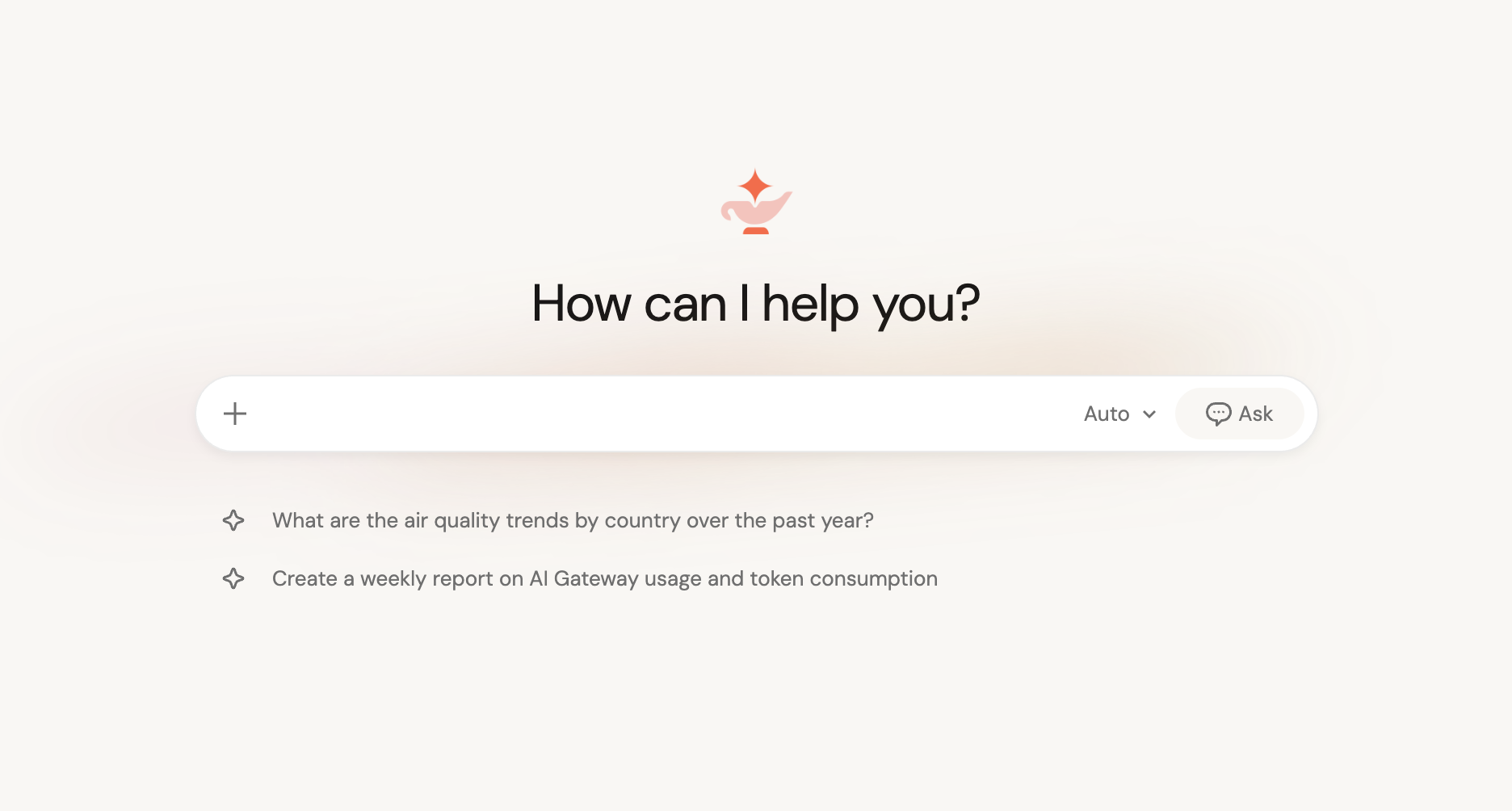
When personalized starter questions are enabled, the Genie One home page shows a small number of suggested questions tailored to you. Each one is a single-line prompt. Select a question to open a chat with it already entered, so you can start exploring your data. When the feature isn't turned on for a workspace, the home page shows a small set of generic default starter questions instead.
How questions are personalized
Genie One generates starter questions for you from your own recent Databricks activity: the tables, AI/BI dashboards, Genie Agents, and notebooks that you frequently use, recently viewed, or marked as favorites. If you have little recent activity, Genie One suggests questions based on assets that are popular across your workspace instead.
Data access and privacy
Starter questions only reference assets that you already have access to. They are generated using your own permissions, so they never surface data outside your access. Generation uses only asset metadata, such as names and types. It never reads the contents of your tables, dashboards, or notebooks.
Limitations
Personalized starter questions are cached for each user and refresh periodically, so they might not reflect your most recent activity immediately.