Images
Images embed a picture in the page, with alt text for accessibility.
When to use
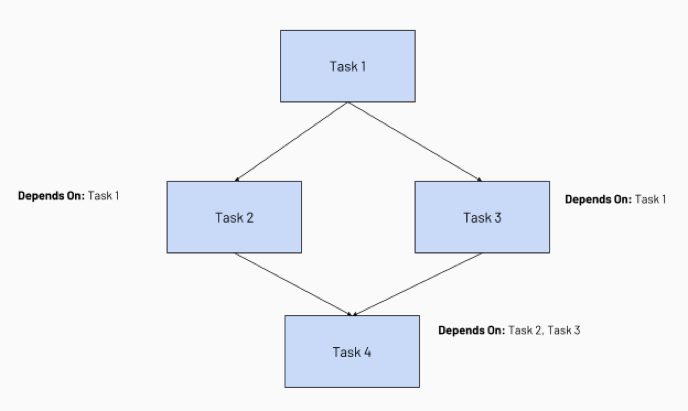
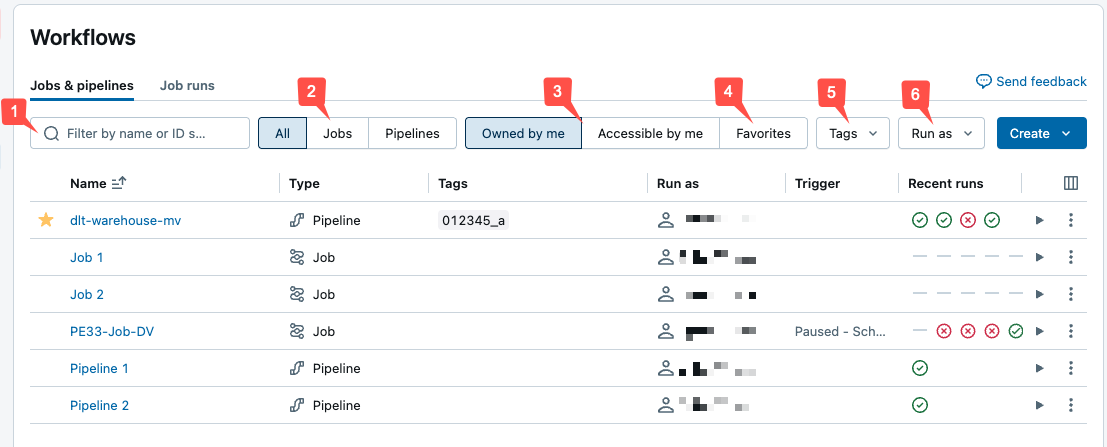
Use an image when a visual conveys something prose can't do as efficiently: a UI screenshot that shows where to click, or a diagram that shows how parts of a system relate. Don't use an image for content a reader needs to copy (use a code block) or for text that should be searchable and translatable.
Technical details
Images use standard Markdown syntax, . The image file lives under static/ and is referenced with a root-absolute path that omits static. A file at static/images/jobs/monitor.png is referenced as /images/jobs/monitor.png. Group assets in a subfolder named for the doc area (/images/jobs/, /images/ldp/).
The text in the square brackets is the alt text, which screen readers announce and which displays if the image fails to load.
Rules
- Every image has descriptive alt text.
- Store the asset under
static/images/<area>/and reference it with a root-absolute/images/<area>/<file>path. - Use a descriptive, hyphenated file name (
create-serverless-job-ui.png).
Style
- Write alt text that describes what the image shows, not its format. "Jobs list with the run status column highlighted" beats "screenshot".
- Prefer a diagram for a concept or flow; prefer a screenshot for a concrete UI step.
- Keep screenshots current with the product UI, and crop to the relevant area.
Template

Examples
Example:
Used in
Content atoms appear in any page section. Images are most common in Procedure steps (UI screenshots) and Overview or concept pages (diagrams).