Use cases
Lakebase supports four primary patterns: serve lakehouse data in Postgres, store Postgres changes in the lakehouse, run an application backend, and power agents and ML. Each pattern uses Postgres alongside Unity Catalog to give your application a low-latency database that stays in sync with the lakehouse.
To migrate an existing Postgres database into Lakebase or replicate between Postgres databases, use logical replication. For a comparison of all the ways to move data in and out of Lakebase, see Move data in and out of Lakebase.
Serve lakehouse data
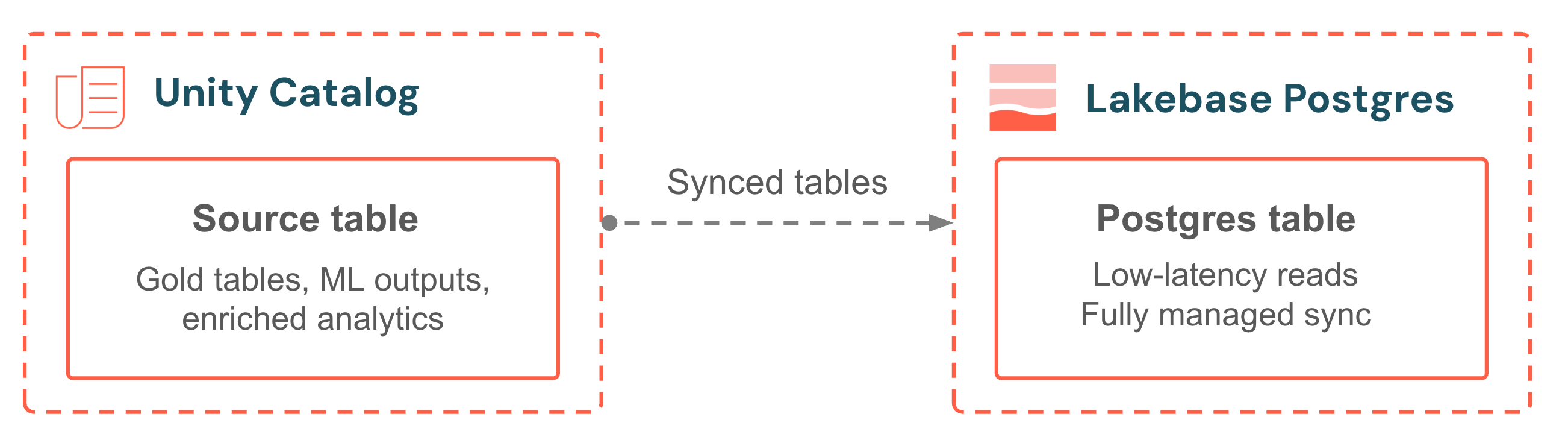
Synced tables bring Unity Catalog data into your Lakebase database for low-latency transactional reads. Pick a source table, choose a sync mode, and the pipeline is fully managed. No sync scripts, no external orchestration, no jobs to monitor. Continuous mode keeps data within seconds of the source. Triggered mode balances freshness and cost with scheduled incremental updates. Your application always serves the latest analytics alongside its own operational data.
First steps | Learning path |
|---|---|
|
Store Postgres changes in the lakehouse
The Lakebase Change Data Feed feature is in Public Preview.
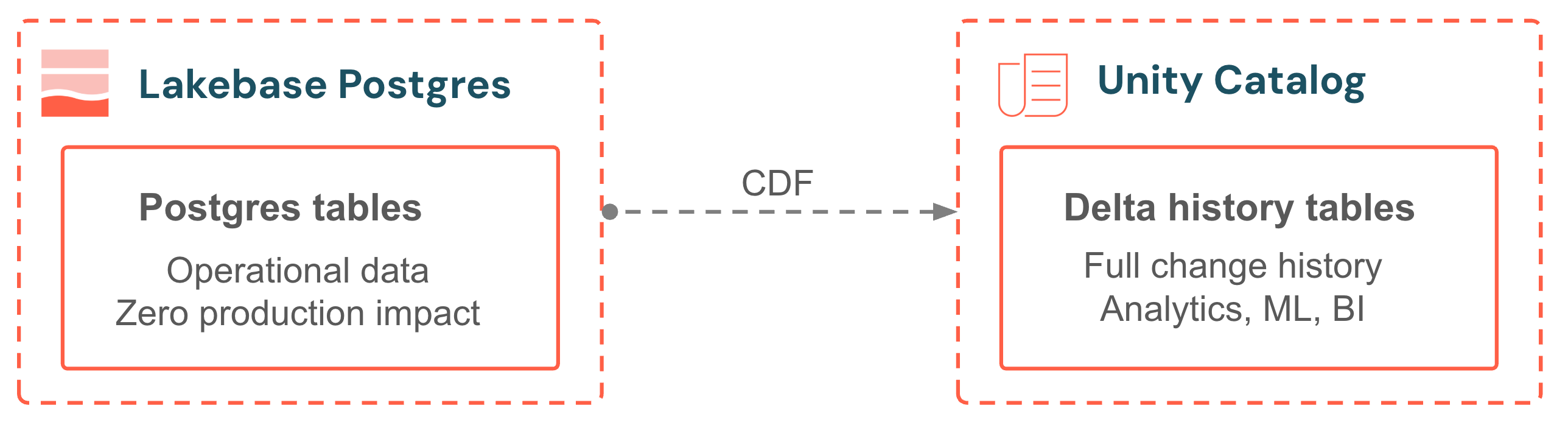
Lakebase Change Data Feed (CDF) stores row-level changes from your Postgres tables as Unity Catalog managed Delta tables. Every insert, update, and delete is captured from the write-ahead log and written as a new row in a Delta history table. No external CDC tool, no Spark jobs, no pipeline to maintain. The capture path runs on independent compute, so production queries are unaffected. The history table has the same shape as Delta Change Data Feed, so downstream pipelines, materialized views, and audit queries plug right in.
First steps | Learning path |
|---|---|
|
Application backend
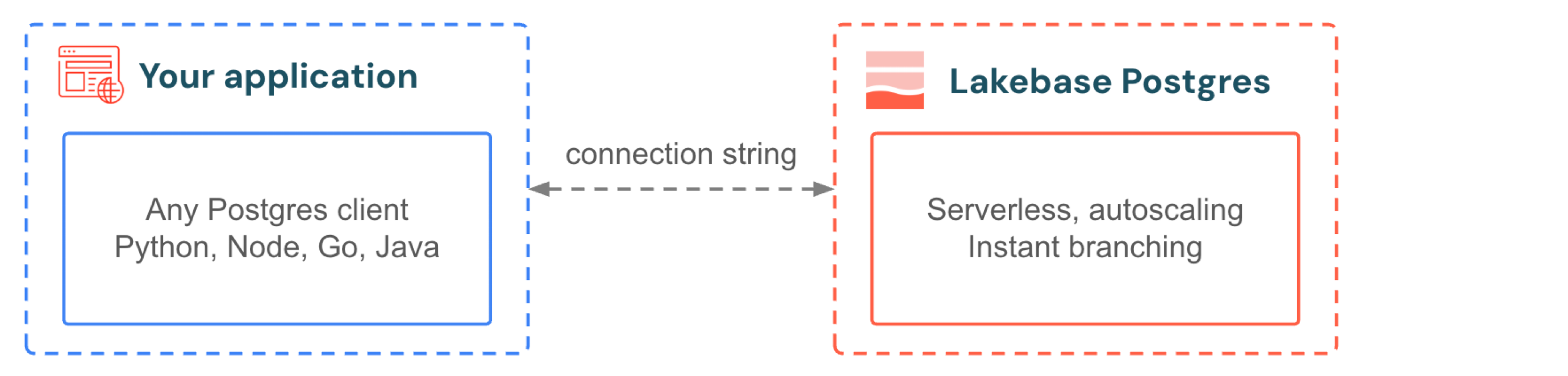
Your application connects to Lakebase the same way it connects to any Postgres database. Use the drivers and frameworks you already know. When your app gets a traffic spike, autoscaling adds compute without dropping connections. When traffic stops, scale-to-zero suspends the database and reactivates in hundreds of milliseconds on the next query. You don't provision for peak and you don't pay for idle. For development, branching gives every developer an isolated copy of the production database with no data seeding, no storage duplication, and no waiting.
First steps | Learning path |
|---|---|
|
|
Agents and ML
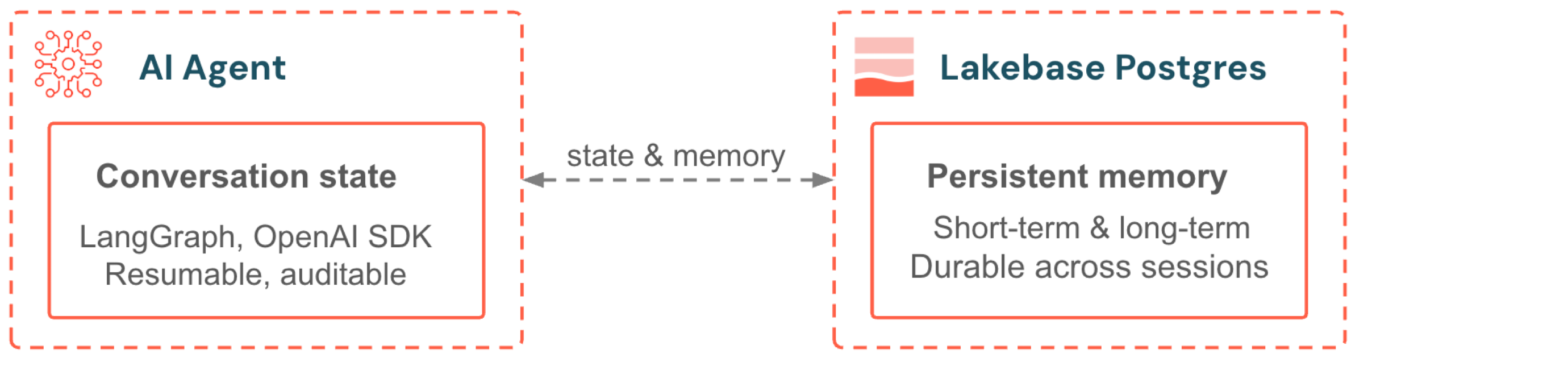
Lakebase serves as the backend for agent memory and real-time feature serving. Agents built with LangGraph or the OpenAI Agents SDK store conversation state and long-term memory in Postgres. Models served with Model Serving access feature data through Online Feature Stores that are powered by Lakebase. Both benefit from automatic scaling, scale-to-zero, and Unity Catalog governance.
First steps | Learning path |
|---|---|
|
|