MCPs
Model Context Protocol (MCP) lets your agent query data, search documents, and call external services. In your workspace, open Unity Gateway and select MCPs to find available servers or register your own.
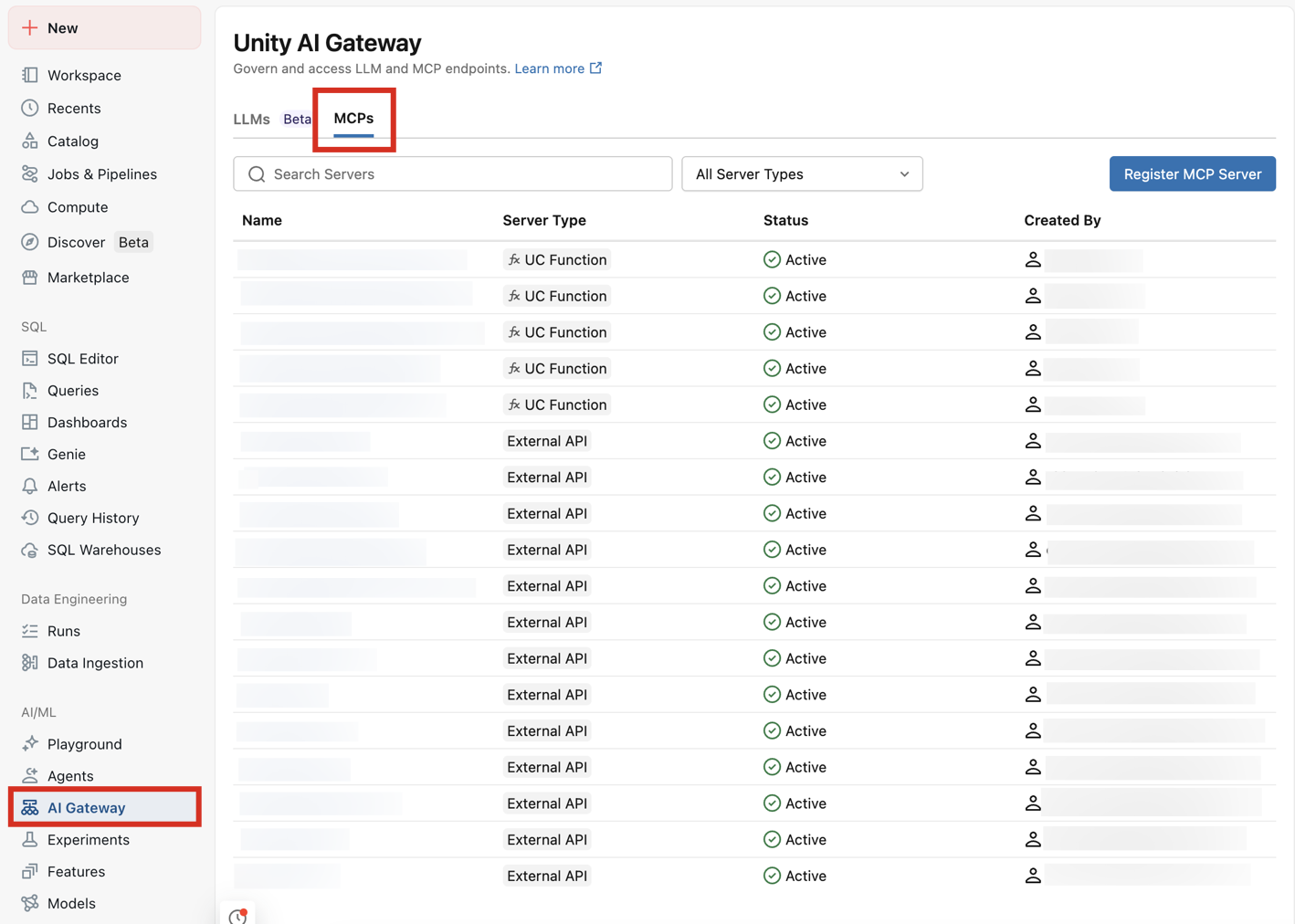
Choose an MCP
Use a Databricks-provided MCP, register an existing server, or build your own.
For business questions asked in natural language, Databricks recommends the Genie One MCP server. It grounds answers in Genie Ontology, your governed semantic layer. Use the Databricks SQL MCP server for specific SQL queries, development, and data engineering.
-
- Databricks-provided MCPs
- Use Genie One, Databricks SQL, GitHub, Slack, and other tools without hosting a server.
-
- External MCP servers
- Add a self-hosted or third-party server through the MCPs UI, then share it with your team.
-
- Custom MCP servers
- Build custom tools or turn an HTTP REST API into MCP tools with Databricks Apps templates.
Use an MCP in your agent
-
- Claude Code, Codex, or Cursor
- Add MCP tools to your coding agent.
-
- Your own Python agent
- Discover tools and make your first tool call.
Govern access
Databricks-provided and registered MCPs use Unity Catalog permissions. Use Unity Gateway to control access, manage credentials, and monitor usage.
- Govern an MCP: Share access, restrict tools, and apply policies.
- Authentication and networking: Configure sign-in and resolve connection issues.
Related tools
- Call REST APIs from agent code.
- Add skills that teach your coding agent Databricks workflows.