MCPs and agent tools
Databricks governs and manages the tools and MCP servers your agents use through Unity Gateway, which controls access and monitors activity from a single control plane, while Unity Catalog enforces permissions and manages credentials so agents and users reach only the tools and data you grant them.
Tools give your agents practical capabilities beyond text generation, like searching documents, querying tables, calling external APIs, or running custom code.
MCP is an open-source standard that connects AI agents to tools, resources, and prompts, and is one of several ways to connect tools on Databricks.
To see your available MCP servers, go to your workspace > AI Gateway > MCPs:
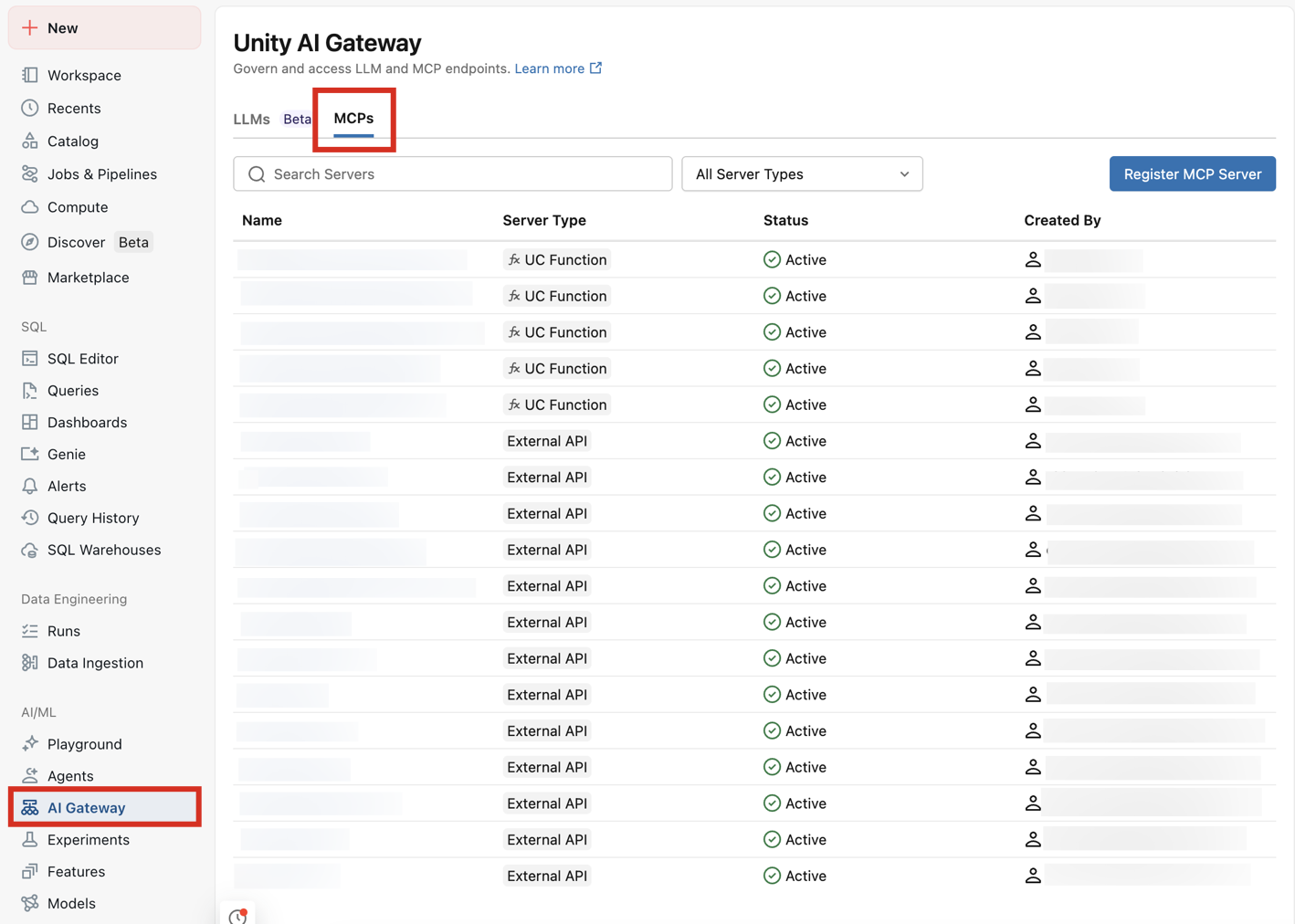
MCP servers
Choose where your agent's MCP servers come from:
-
- Connect agents to tools with MCP Services
- Register external MCP servers as Unity Catalog securables, or use built-in
system.aiservices for SaaS tools like Slack, GitHub, and Google Drive, with governed access through Unity Gateway.
-
- Databricks managed MCP servers
- Ready-to-use servers that give agents governed access to Genie, AI Search, Databricks SQL, Unity Catalog functions, and the code interpreter, with no server to build or host.
-
- Host your own MCP
- Host a custom MCP server as a Databricks app to expose your own tools.
Use MCPs and tools in custom agents
Give an agent you build in code the tools it needs:
-
- Use MCP servers in Custom Agents
- Discover, authenticate to, and call managed, MCP Service, and custom MCP servers from your agent code, then deploy the agent on Databricks Apps.
-
- Connect agents to external MCPs and tools
- Choose how to wire external services into the agent you build in code, whether through MCP Services, managed OAuth, or direct REST calls, and when to use each.
-
- Create agent tools using Unity Catalog functions
- Create AI agent tools that run custom Python and SQL logic, and use them with agent frameworks like LangChain, OpenAI, and Anthropic.
-
- Work with structured and unstructured data
- Retrieve structured data with Unity Catalog function tools and query unstructured data with vector search retrieval tools.
Use MCPs in AI assistants and IDEs
Reach Databricks data and tools from an existing assistant or coding agent:
-
- Connect external clients to Databricks MCP servers
- Wire up Claude, Cursor, MCP Inspector, and other external clients to MCP servers hosted on Databricks.
-
- Agent skills for AI coding assistants
- Install skills and plugins that teach coding agents like Claude Code and Cursor how to write Databricks code correctly, alongside the MCP tools they call.