Create a Genie Agent from a chat
You can turn the context from a chat conversation into a reusable Genie Agent. This is helpful when a conversation builds up context that you want to save and apply to future questions, such as a sales KPI analysis, business report formatting guidance, or other domain-specific instructions.
Creating a Genie Agent from Genie One requires the Workspace access or Databricks SQL access entitlement. Consumer access alone isn't enough. If you don't have one, ask a workspace admin to grant it. See Manage entitlements.
Create an agent
You can create a Genie Agent from a conversation in two ways:
- Ask Genie One to save the conversation's context as an agent.
- Click the overflow menu (•••) under an answer, then click Create Agent.
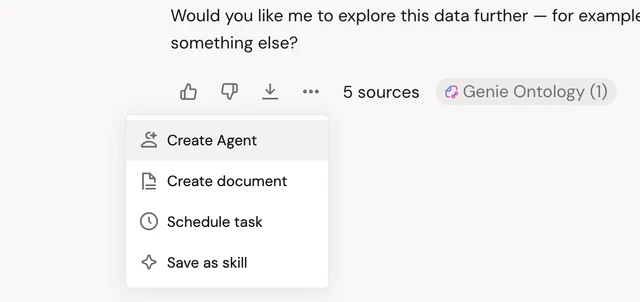
To create an agent in a conversation, tell Genie One what you want the agent to capture:
Save this sales KPI analysis as an agent so I can reuse it.
After Genie One creates the agent, you can open it in your workspace to fine-tune its context, instructions, and data assets. To learn more about Genie Agents, see Genie Agents.
Edit an agent
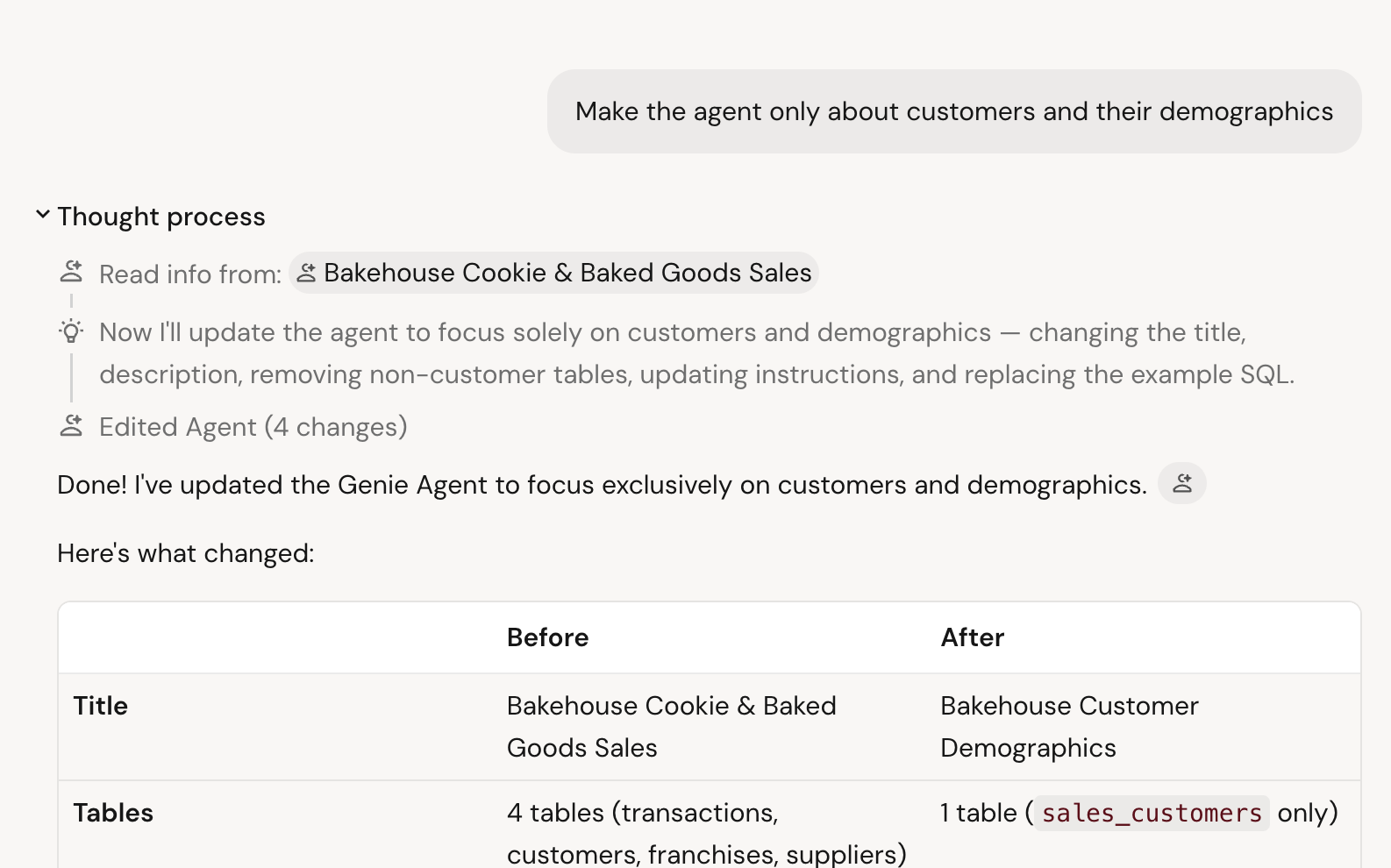
You can ask Genie One to change an agent's context in a conversation. For example, you can add tables or change an agent's instructions in natural language.
Add the sales.forecast table to my sales KPI agent.
Delete an agent
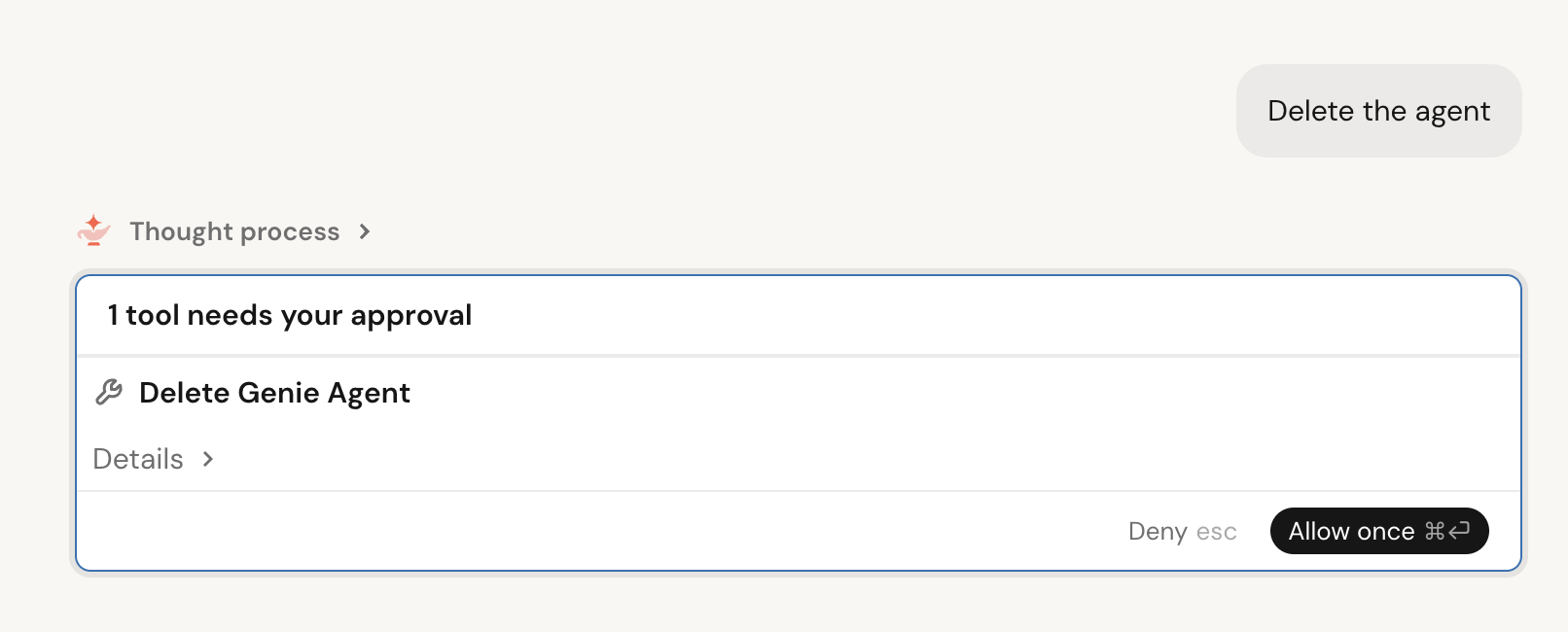
You can ask Genie One to delete an agent in a conversation. Genie One asks you to confirm before it deletes the agent.
Delete my sales KPI agent.