Determine if Spark is rewriting too many files
DELETE, UPDATE, and MERGE operations on Delta Lake tables might write far more data than they change. Without deletion vectors, modifying a single row requires rewriting the entire Parquet file that contains it. If a small change touches many files, the write stage rewrites all of the unmodified rows in those files too.
Use this page when the longest stage has high output and runs a DELETE, UPDATE, or MERGE. To check the stage's output, see High output.
Check the write in the SQL DAG
To check how much data the write stage writes:
-
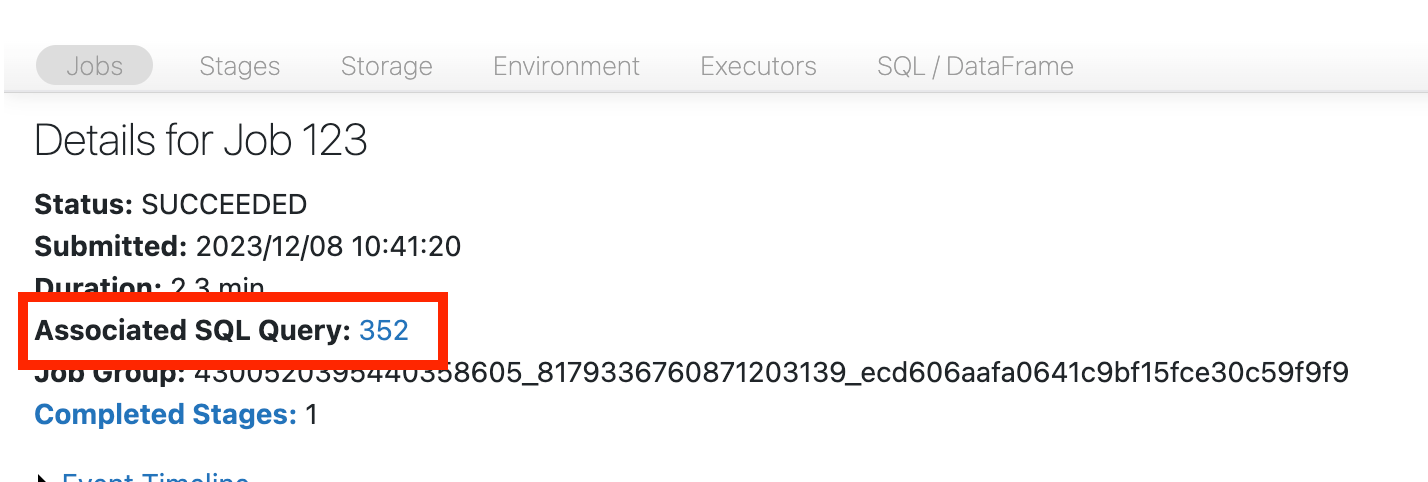
Scroll to the top of the job page and click Associated SQL Query:
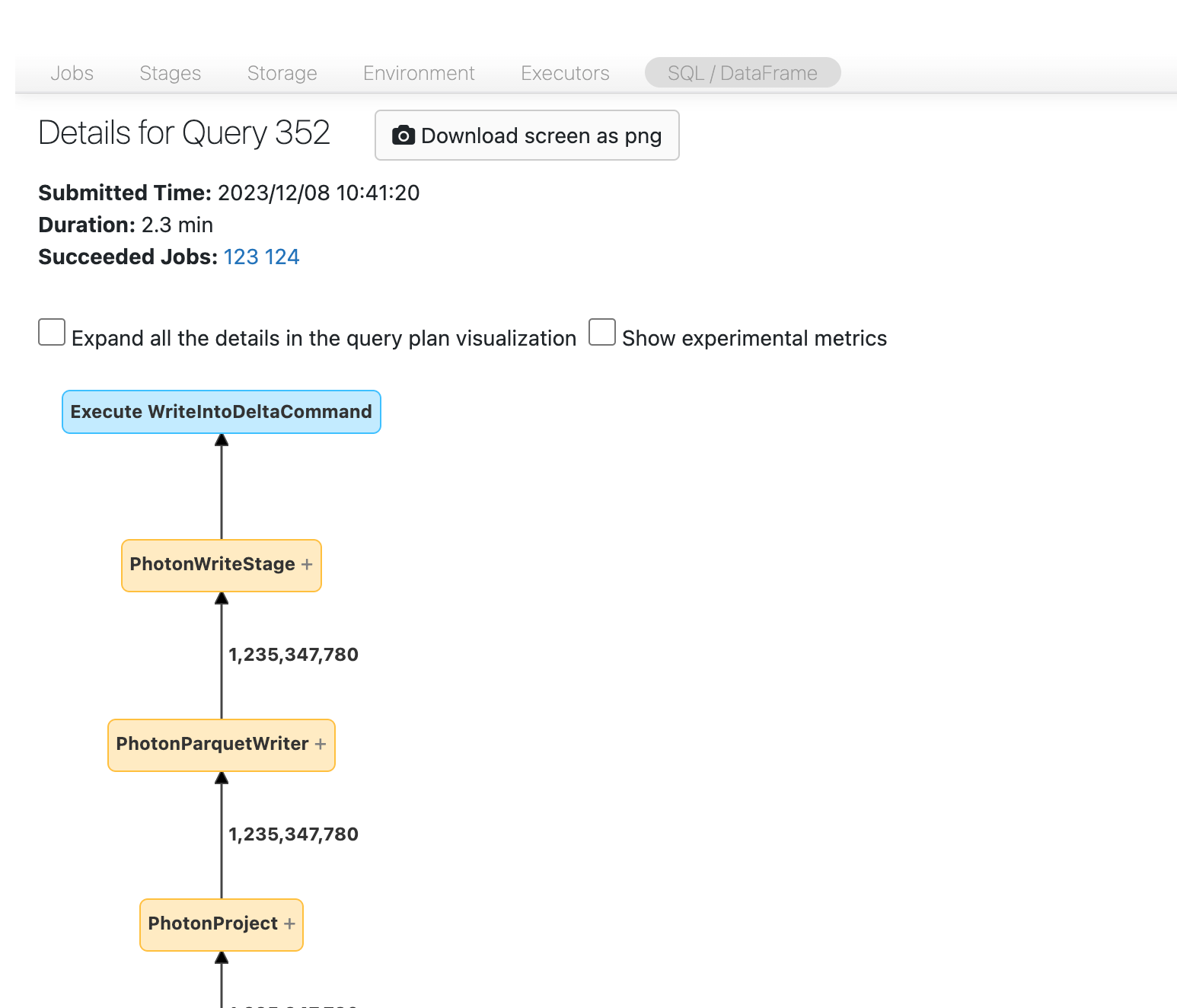
The SQL DAG appears. If it doesn't, scroll to find it:
-
Find the write node and check how much data it writes:
-
For
DELETEorUPDATE, compare the amount of data written with the amount you expect. If the operation writes much more data than you expect, it might be rewriting data: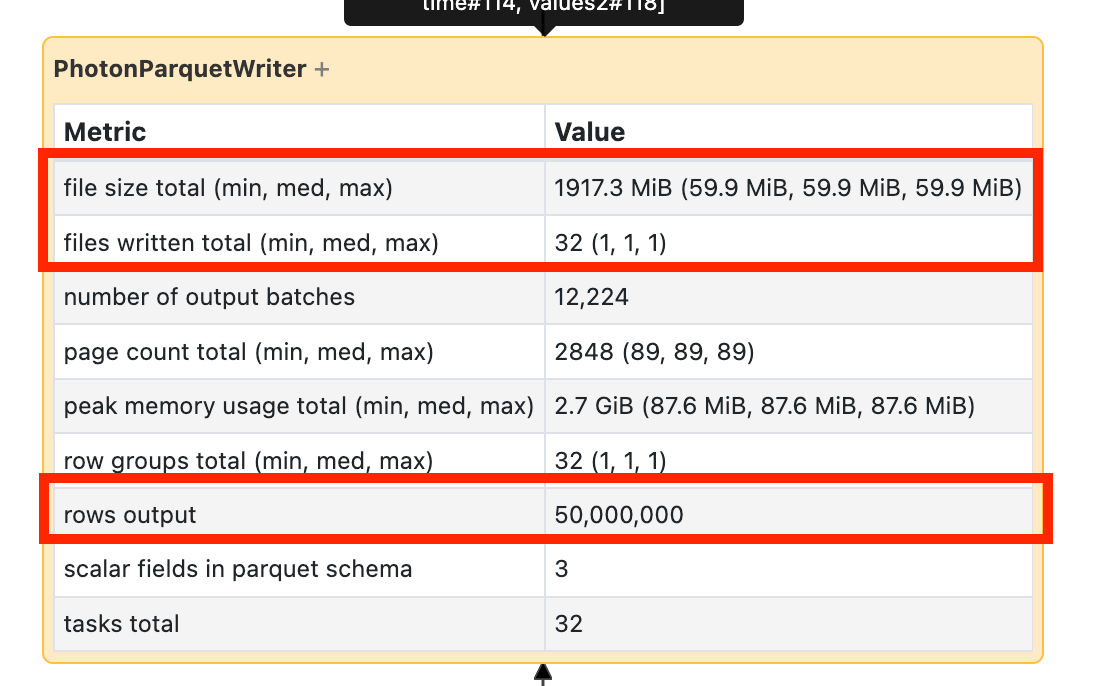
-
For
MERGE, the merge node shows explicit statistics about how much data it rewrites.
-
Check the table history
To verify a rewrite, check the operation metrics in the table history. For a MERGE, compare numTargetRowsCopied with the rows inserted, updated, and deleted. For DELETE and UPDATE, check numCopiedRows. A copied-row count much larger than the rows changed indicates the operation rewrote unmodified data. See Operation metrics.
Reduce rewrites
If the operation rewrites a lot of data, try these approaches:
- Enable deletion vectors. Deletion vectors mark rows as removed or changed without rewriting the Parquet file.
- Tune
MERGEoperations. Add known constraints to the match condition to reduce the search space. For other merge tuning approaches, see Best practices: Delta Lake.