What happened to Databricks Repos?
Repos are now called Git folders. Like Repos, Git folders let you sync workspace folders with remote Git repositories for version control.
What does this change mean for me?
The core functionality hasn't changed, only the terminology. UI operations now refer to "Git folders" instead of "Repos".
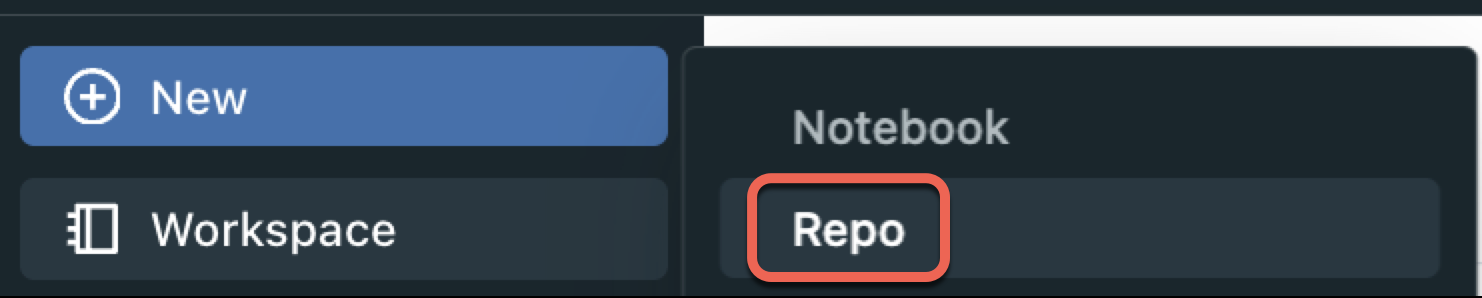
Previously, you created a Git-backed folder by selecting New > Repo:
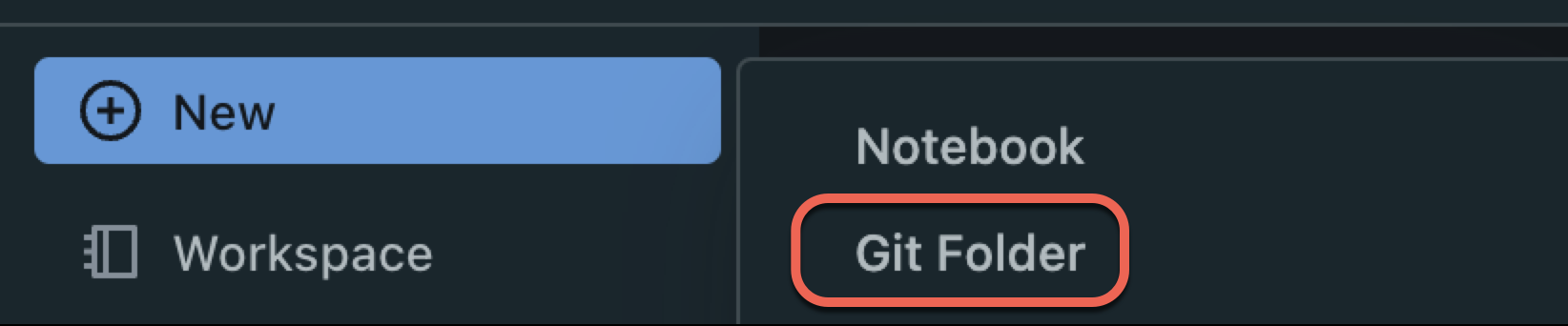
Now, select New > Git folder.
Git folders simplify working with version-controlled folders:
-
Flexible folder organization: Create Git folders at any level of the workspace file tree. For example,
/Workspace/Users/<user email>/level_1/level_2/level_3/<Git folder name>. Repos could only exist at a fixed level like/Workspace/Repos/<user email>/<Repo name>.noteGit folders can contain asset types that Repos don't support, such as Databricks SQL assets and MLflow experiments. Databricks adds serialization support for more asset types over time.
-
Simplified UI: Work with Git directly in your workspace without navigating to a separate Repos area.
What changed?
- Git folders can exist outside the
/Reposdirectory. - To create a Git folder, select New > Git folder. New Git folders appear under
/Workspace/Users/<user-email>/. - Git folders can exist at any depth under
/Workspace/Users/<user-email>/, and you can have multiple Git folders. - Git folders support asset types that Repos don't. Databricks adds serialization support for more asset types over time.
- Git folders require a remote repository URL. Repos didn't have this requirement.
- For consistent behavior between Git folders and legacy Repos, use Databricks Runtime 15.0 and above.
What happens to my current Repos?
Repos are now integrated into the workspace UI under /Workspace/Repos instead of a separate top-level Repo node.
- Existing
/Repospaths continue to work. Both/Reposand/Workspace/Reposrefer to the same folder, so paths injobs,dbutils.notebook.run, and%runreferences don't need to change. - In rare cases, you might need a one-time workspace modification for this redirection to work. See References to workspace objects.
Databricks recommends creating new Git folders instead of Repos. Colocating Git repos with other workspace assets makes them more discoverable and easier to manage.
Git folder permissions
Git folders use the same workspace folder permissions as other workspace folders. Most Git operations require the CAN MANAGE permission.