Troubleshoot Workday ingestion
This page describes common issues with the Workday Reports connector in Databricks Lakeflow Connect and how to resolve them.
General pipeline troubleshooting
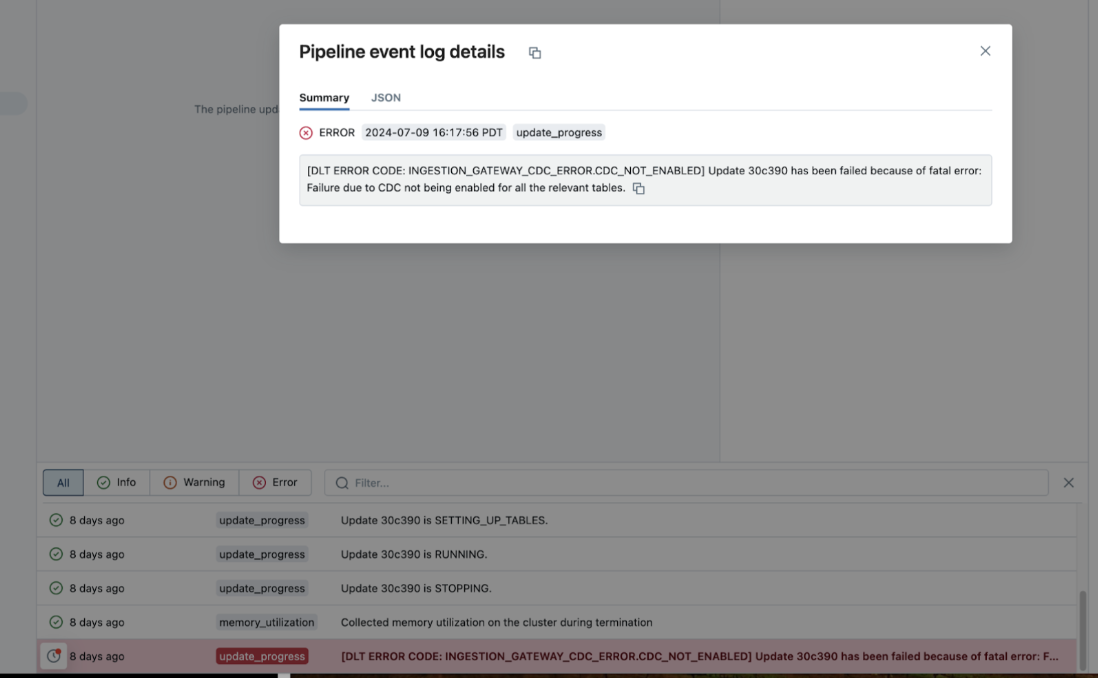
If a pipeline fails while executing, click on the step that failed and confirm whether the error message provides sufficient information about the nature of the error.
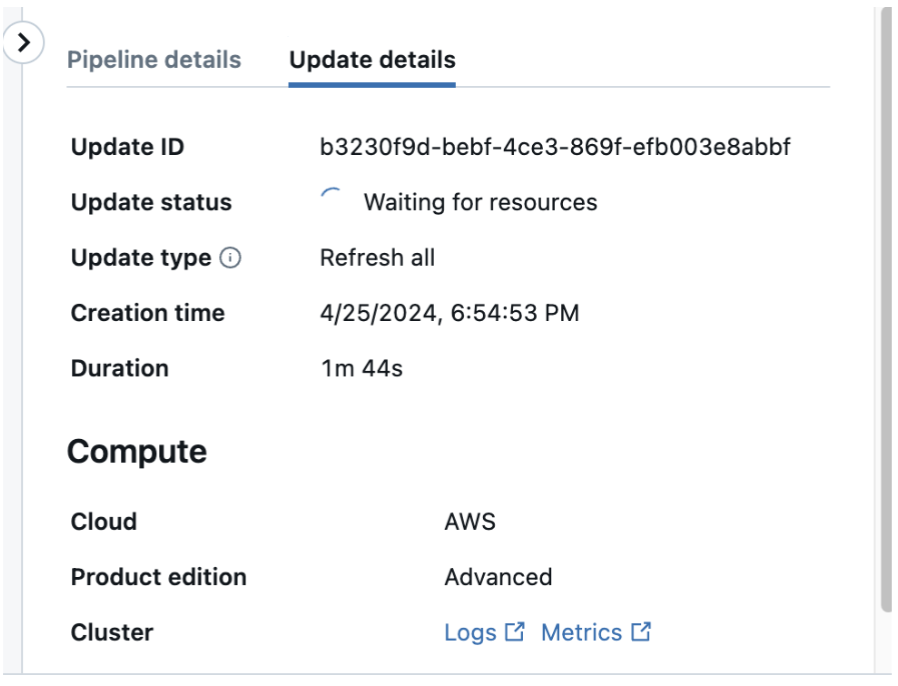
You can also check and download the cluster logs from the pipeline details page by clicking Update details in the right-hand panel, then Logs. Scan the logs for errors or exceptions.
Column selection using Databricks Asset Bundles
Issue:
You're unable to use the column selection feature when you create a managed ingestion pipeline using Databricks Asset Bundles.
Resolution:
Check your Databricks CLI version. If the version is below v0.251.0, reinstall the CLI.
Network connectivity and DNS resolution failures
Error:
java.net.UnknownHostException: ww1.workday.com
or
Failed to connect to Workday: Connection refused
Cause:
These errors typically indicate that network policies are preventing the connector from resolving or reaching your Workday instance. This commonly occurs when using a security egress gateway without proper allowlist configuration.
Resolution:
Add your Workday instance hostname (for example, ww1.workday.com) to your network policy allowlist. For more information, see Manage network policies for serverless egress control.
REPORT_NOT_FOUND
[SAAS_CONNECTOR_SOURCE_API_ERROR] An error occurred in the Workday Reports API call. Source API type: GET_REPORT_SCHEMA. Error code: REPORT_NOT_FOUND. Try refreshing the destination table. If the issue persists, please file a ticket.
GET request failed - url: xxxx, response: Report AI_GMS_-_Worker_Skill not found
Report *** not found.
Confirm that the report name in the pipeline configuration matches the table name in Workday.
UNAUTHORIZED_REPORT_DATA_ACCESS
This error might mean that the API client in Workday for Databricks ingestion lacks the Tenant Non-Configurable functional area (scope). This scope is sometimes required for report access, even when the reports are otherwise shared correctly.
If your organization's governance policies don't automatically expose tenant-configurable reports to the RaaS API, you might need to explicitly set the scope. For example:
scope="tenant non-configurable"
Then, reauthorize the Databricks connection. If the issue persists, file a support ticket.