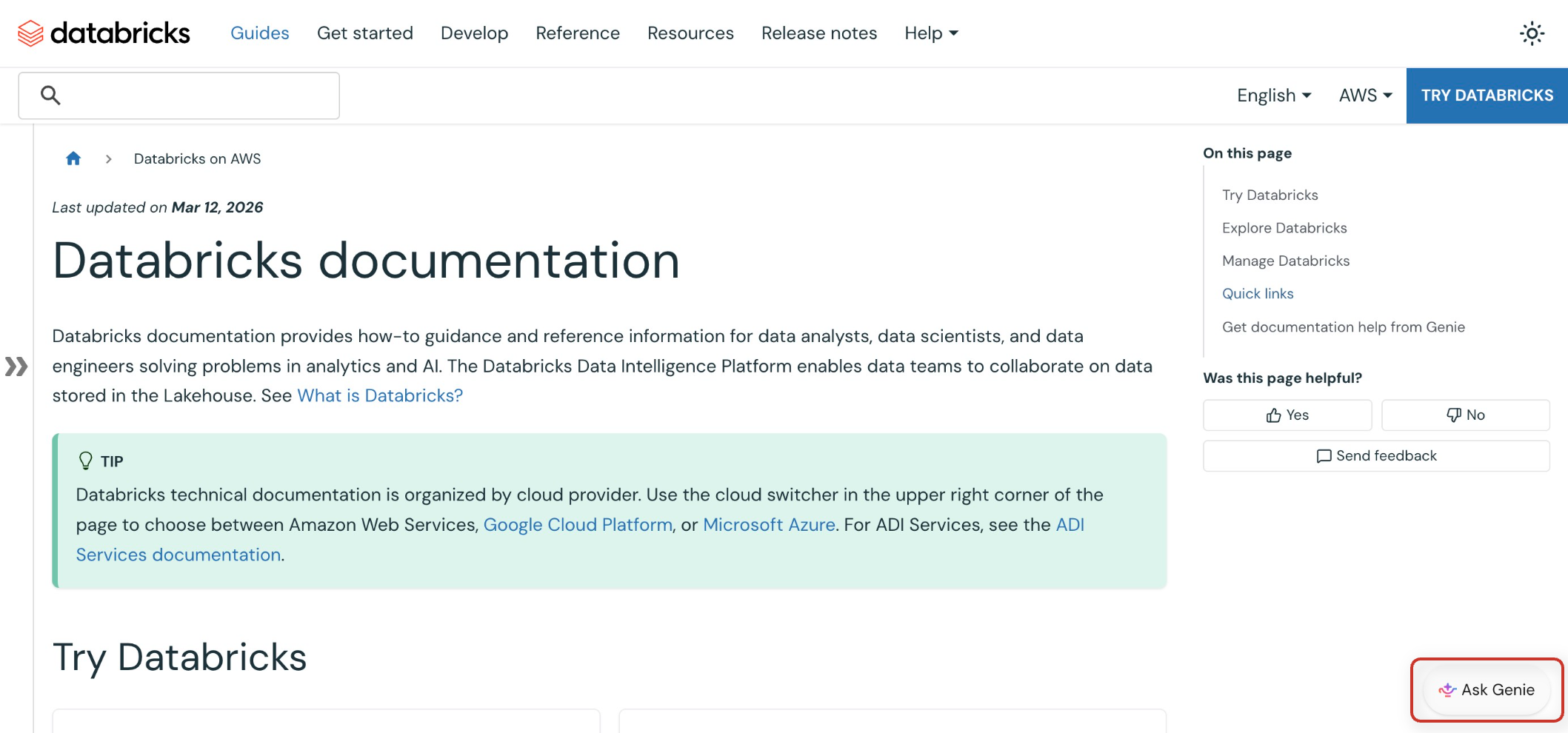
Databricks documentation
Databricks documentation provides how-to guidance and reference information for data analysts, data scientists, and data engineers solving problems in analytics and AI. The Databricks Data + AI Platform enables data teams to collaborate on data stored in the Lakehouse. See What is Databricks?
Databricks technical documentation is organized by cloud provider. Use the cloud switcher in the upper right corner of the page to choose between Amazon Web Services, Google Cloud Platform, or Microsoft Azure. For ADI Services, see the ADI Services documentation.
Try Databricks
-
- Sign up for Databricks for free
- Start your journey with Databricks by signing up for a free trial account.
-
- Get started tutorials on Databricks
- Learn the basics of working with Databricks using guided tutorials.
-
- Workspace UI
- Learn the fundamentals of navigating and using the Databricks workspace interface.
-
- Data guides
- Discover and connect to data sources, manage data assets, and perform exploratory data analysis.
Explore Databricks
-
- Data guides
- Discover and connect to data sources, manage data assets, and perform exploratory data analysis.
-
- Data sharing
- Share data and AI assets securely with users outside of your organization or on different metastores within your account.
-
- Data engineering
- Build and manage ETL pipelines, process large data sets, and orchestrate data workflows.
-
- AI and machine learning
- Develop, train, and deploy machine learning models and AI applications using MLflow and Databricks tools.
-
- Databricks AI/BI
- Create dashboards, reports, and visualizations for business insights and BI analytics.
-
- Data warehousing
- Query and analyze data using SQL, manage schemas, and optimize data warehouse performance.
-
- OLTP databases (Lakebase)
- Create and manage fully-managed, PostgreSQL-compatible databases with Lakebase, integrated with your Lakehouse.
-
- Develop on Databricks
- Build applications, integrate APIs, and extend Databricks functionality with custom code.
Manage Databricks
-
- Administration
- Configure account settings and manage workspaces, users, and administrative policies across your Databricks environment.
-
- Security and compliance
- Implement security controls, configure access policies, and ensure compliance with industry standards.
-
- Data governance with Unity Catalog
- Establish data governance frameworks, manage data lineage, and implement data quality controls.
Quick links
-
- Status page
- Information about the Databricks Status Page to monitor system status, service availability, and maintenance schedules across all regions.
-
- Release notes
- Stay updated with the latest Databricks product updates, new features, and platform improvements.
-
- Databricks glossary
- Find definitions for technical terms, concepts, and terminology used throughout Databricks.
-
- Reference
- Overview of API reference documentation, including reference for the Databricks REST API, SDKs, Python APIs, and Databricks SQL.
-
- Other resources
- Limits and quotas, regions, support, product feedback, free training, migration guides, and more.
Get documentation help from Genie
Genie is available on the Databricks documentation site to help you get answers about Databricks and quickly discover relevant information.
Click the  Ask Genie button in the bottom right corner of the site to open Genie. To close Genie, click the button below the chat.